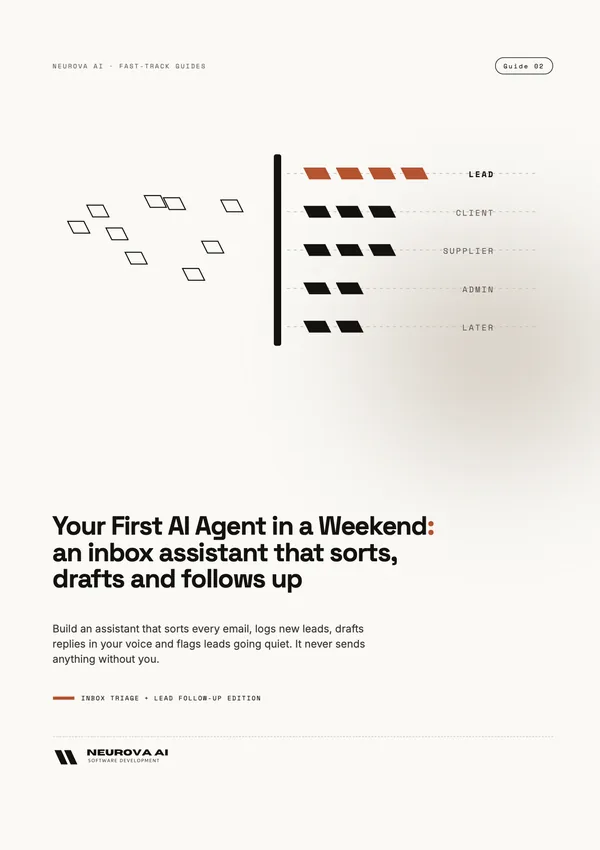
Your First AI Agent in a Weekend Inbox triage + lead follow-up
An agent that sorts your mail, drafts replies and chases leads that went quiet.
Three tested Zapier automations that label every email, log new leads with a reply waiting in your drafts, and draft follow-ups for leads that went quiet. Nothing is sent without you.
- The guide: 22 pages, worked through a three-person interior design studio's inbox
- Copy-paste prompt library: 9 prompts (PDF and plain text)
- Checklist PDF: a weekend plan, a build sheet with every Zap setting, a test log and the whole guide on one page
You'll need A paid Zapier plan or its free trial. The free plan only runs two-step Zaps.
Version 1.0 · Last tested November 2026 · Free updates
Launch offer: 20% off this guide with code LAUNCH20 at checkout, until 30 November.
Instant download · Secure checkout by Stripe · VAT invoice for companies · Single user licence, terms of sale
Want a taste first? Read chapter 1 free (PDF, 6 pages, no sign-up), or read the free article How to Build an AI Inbox Assistant: What 50 Test Emails Taught Us.
Who it's for
For you if
- Anyone who spends the first hour of the day in the inbox
- Teams that lose leads because nobody followed up
- People comfortable with web apps, no coding needed
Not for you if
- Mailboxes holding medical or other special-category data
- Anyone who wants replies sent without a human check
- Outlook-only mailboxes: the build was made and tested on Gmail
What you'll build
By the end you'll have the real thing, not notes about it. The guide builds it alongside you for a three-person interior design studio's inbox, then shows you how to make it yours.
- 01A sorter that labels every new email and flags what's urgent
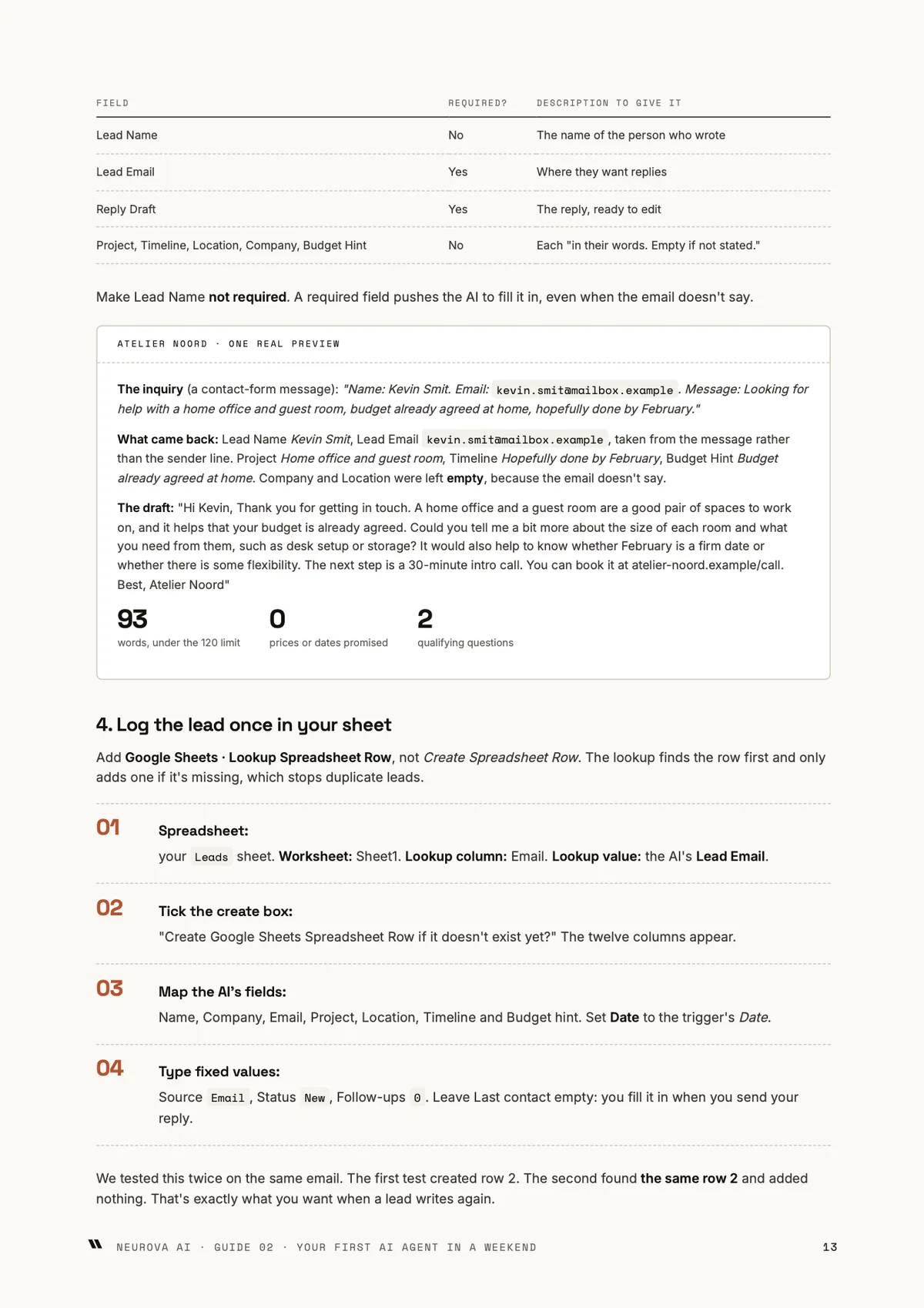
- 02A lead list that fills itself, one row per lead
- 03Reply drafts in your voice, waiting for your OK
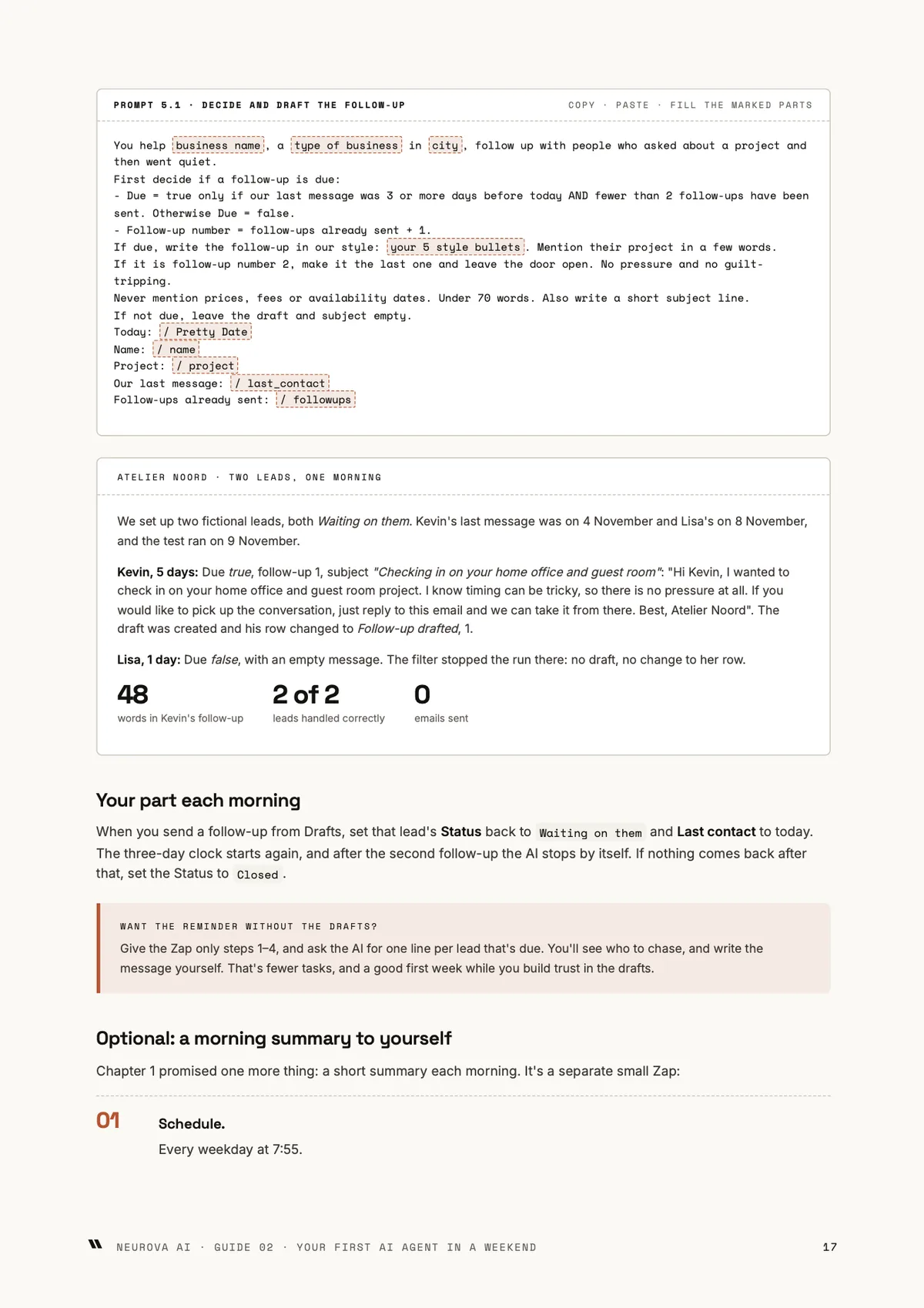
- 04Drafted follow-ups after 3 days, at most two per lead
Inside the guide
- What an inbox assistant is, and isn't
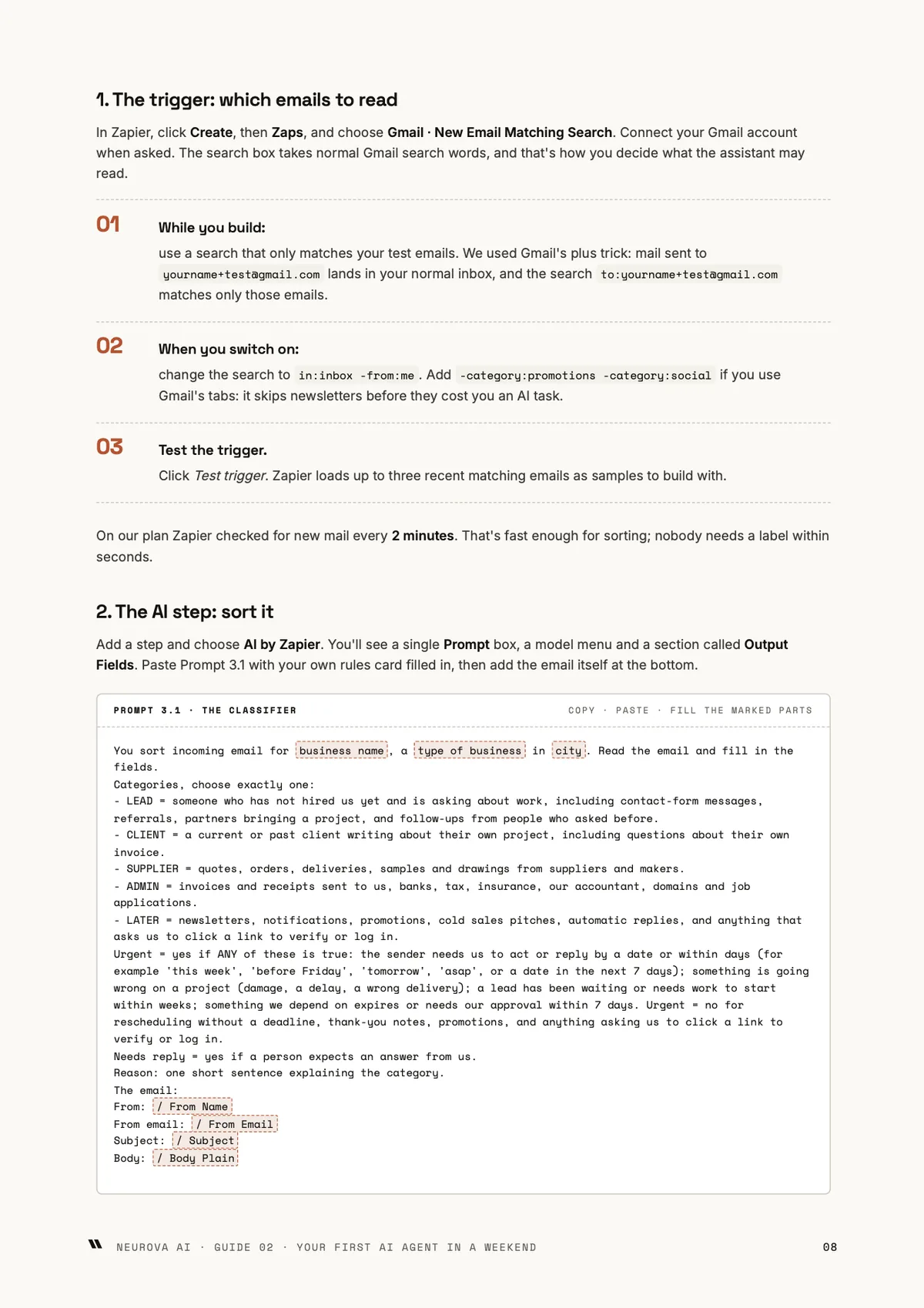
- Set up in an hour
- Build 1: the sorter
- Build 2: catch leads, draft replies
- Build 3: follow-ups that don't slip
- Run it safely
- Keep it sharp, or hand it over
Tap a page to read it at full size. Or download chapter 1 free (PDF, 6 pages).
What's included
- The guide (PDF)
- Prompt library (PDF)
- Prompt library (TXT)
- Checklist and cheat sheet (PDF)
- Every update to this edition, free, in your library
Each PDF is stamped with your email address and order number. You can download each file 5 times.
Get it in a pack
4 editions
Agent Pack
All four Guide 2 editions. Build an agent for each job.
€91 if bought separately
€59 incl. VAT
Coming soon
11 editions + future editions
Business Fast-Track, all access
All eleven editions of Guides 1–3, plus every future edition of those guides.
€264 if bought separately
€99 incl. VAT
Coming soon
Other editions of this guide
Ready to start?
Three tested Zapier automations that label every email, log new leads with a reply waiting in your drafts, and draft follow-ups for leads that went quiet. Nothing is sent without you.
Instant download · Secure checkout by Stripe · Free updates
Inbox triage + lead follow-up€24 incl. VAT · instant download
Buy
Rather have us build it? Neurova AI builds AI systems to healthcare standards, including what this guide teaches. Get a quote.
Questions
- Do I need to know how to code?
- No. Everything is built in Zapier's visual editor, and the 9 prompts are ready to paste. If you're comfortable with web apps, you can follow it.
- Will the assistant send emails without me?
- No. It labels email, fills a lead list and leaves replies and follow-ups in your Drafts folder. Nothing reaches a customer until you press send.
- What else do I need?
- A Gmail or Google Workspace mailbox, Google Sheets, and a paid Zapier plan or its free trial. Zapier's free plan only runs two-step Zaps, and these builds need more steps.
- Does it work with Outlook?
- The build was made and tested on Gmail with Google Sheets. The method carries over, but the step-by-step settings in the guide are for Gmail.
- Can I use it on a mailbox with patient or other sensitive data?
- Not as built. Every email the assistant reads goes to an AI model, so keep mailboxes with medical or other special-category data out of it. The guide shows how to point the assistant at a general inbox only.
- How do I get the guide after paying?
- The download buttons appear on the next page as soon as payment completes. We also email you a link to your library, so you can download again later from any device.
- Do I need an account or a password?
- No. Your library link arrives by email. If you lose it, enter your email on the library page and we send a fresh one.
- What's the licence?
- One person. Each PDF is stamped with the buyer's email address and order number. Buying for a team? Email us and we'll sort out a team licence.
- Can I get a refund?
- Because you get the download straight away, the 14-day right of withdrawal for online purchases ends once the files are available to you. You agree to that at checkout. If a file is faulty or doesn't match its description, email us and we'll fix it or refund you. The full rules are in our terms of sale.
- Is VAT included?
- Yes, prices include VAT for consumers. Businesses elsewhere in the EU that enter a valid VAT number at checkout pay no Dutch VAT and get an invoice with reverse charge. Every order gets a receipt and an invoice PDF.
- Are the examples real businesses?
- No. Each guide works through a clearly labelled fictional business, built for real while we wrote it, so every step has been tested. Real companies appear only as cited public case studies.
- What if a tool changes after I buy?
- Each guide names the tools but teaches the method, and carries a last-tested date. We re-test every quarter, and updated versions appear in your library for free.